Import. Sync. Choose your order.
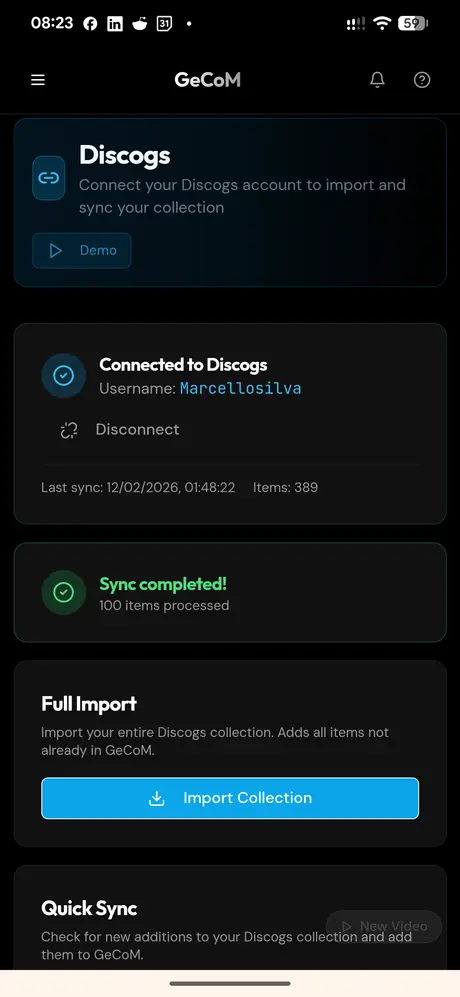
- 1. Connect your accountLog in to GeCoMusic and authorise the Discogs connection in the dedicated area.
- 2. Import your collectionStart the import and follow its progress. Use folders to organise imported albums.
- 3. Manage syncStart syncing and choose which collection to use as the reference: GeCoMusic or Discogs.
Check operation status and progress in the dedicated area. The connection accompanies your collection as you choose how to organise it.
GeCoMusic: a free alternative to Discogs.
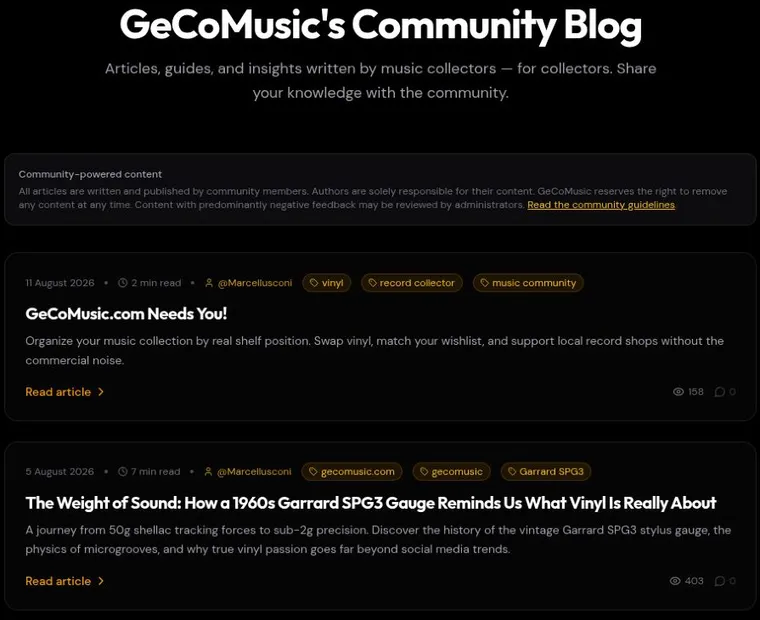
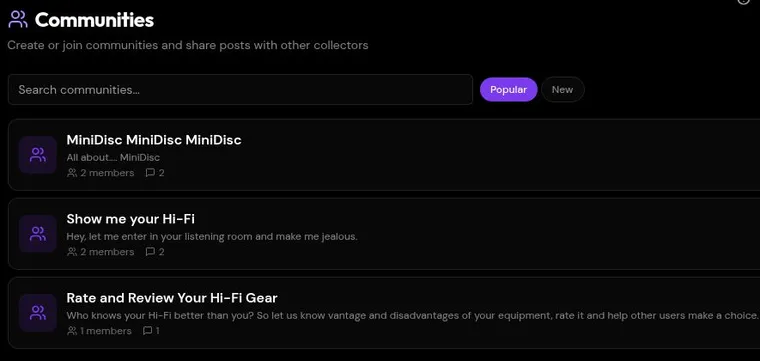
If you are looking for alternatives to Discogs, GeCoMusic offers a way to enjoy albums through personal organisation, swaps without money and conversations. You can also use both platforms, keeping your collections connected.
| GeCoMusic | Discogs |
|---|
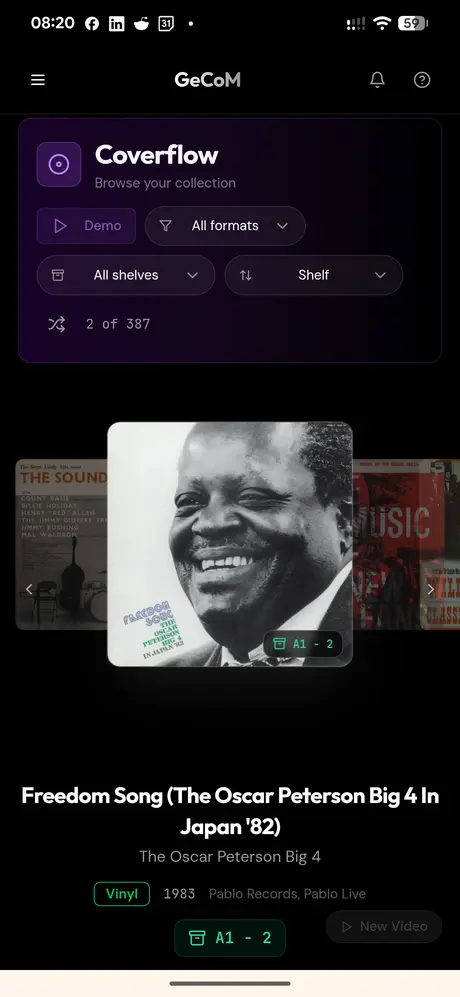
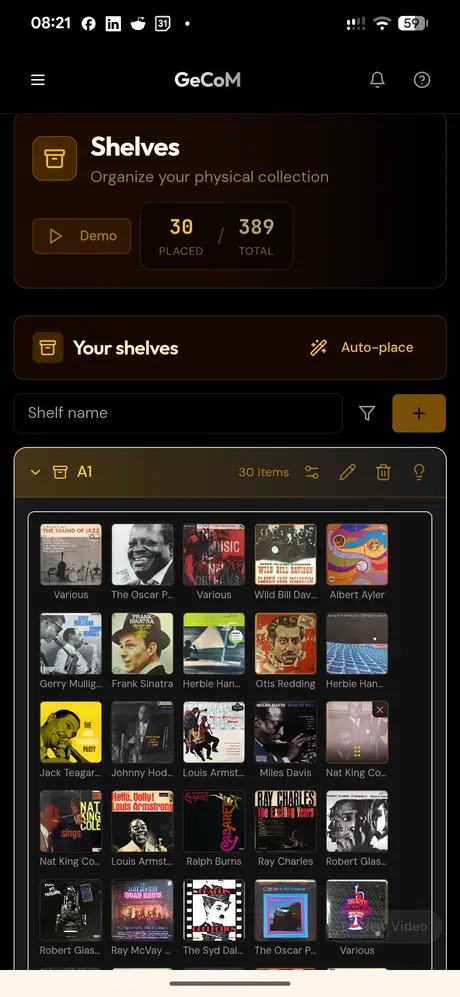
| Your collectionCoverflow and shelves in your own order, including by style or era. | CataloguingInformation about releases and editions, and collection tools. |
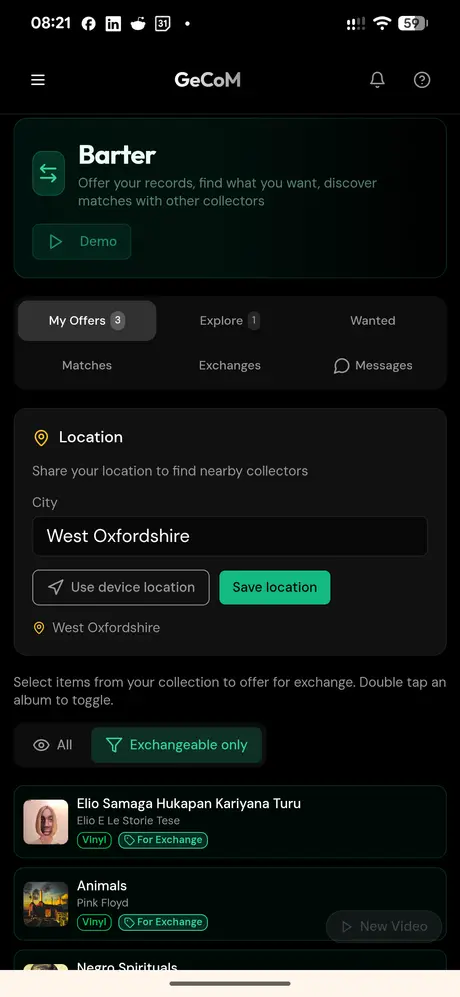
| Swaps without moneyWishlist and Barter connect wishes with available records. | MarketplaceBuying and selling records between users. |
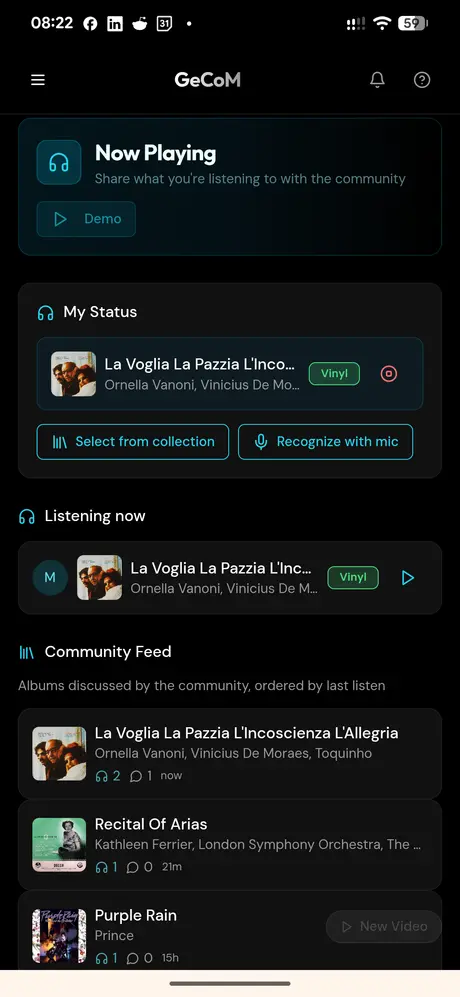
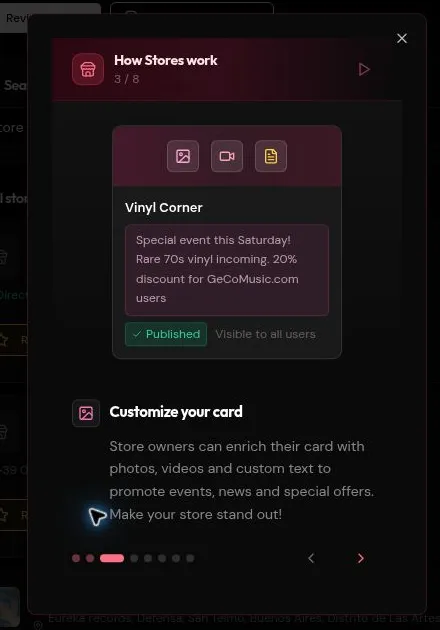
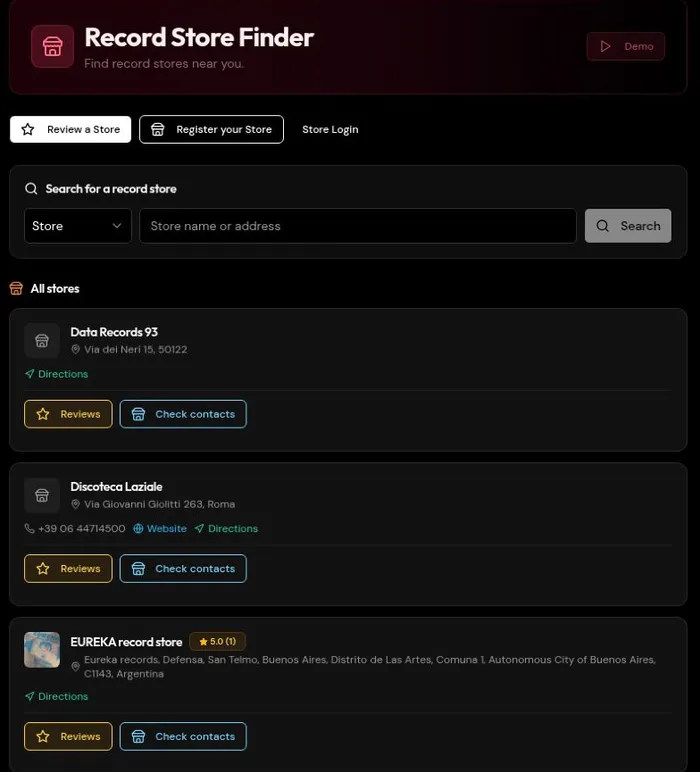
| Music and peopleNow Playing, Blog, Communities and connections with stores. | Shared databaseA catalogue built with community contributions. |
GeCoMusic is free for collectors and stores.
 GeCoMusic